LO-004Get started
Get started.
Three ways in. Each one is described step by step in the repository; this page only says which one is for what.
Try it on your own computer
The easiest way to try Label Office is Laravel Herd. The free version brings PHP, a web server, Composer and Node.js. You also need Git.
Set up this way it runs with an SQLite database and does its background work right away, so no Redis is needed. Emails are written to a log file instead of being sent, and you read your sign-in code from there.
cd ~/Herd
git clone https://github.com/wrklst/label-office.git
The remaining stepsTrying it locally with Laravel Herd
Windows is for trying it out only. The queue worker and the updater need Linux or macOS. We have not tested the Windows steps ourselves yet; please tell us when one of them fails.
php artisan db:seed adds a demo user and a “Demo Label”. Do not run it on a public server.
Install it on a server
What the server needs, in short:
| PHP | 8.3 or newer |
|---|---|
| Database | MySQL 8 or SQLite |
| Node.js | 22 or newer, to build the interface |
| Redis | For the queue (optional) |
| ffmpeg | For playback copies of audio (optional) |
| Cron | One entry for the scheduler |
| SMTP or a mail service: sign-in codes are sent by email |
The handbook has the full table with the PHP extensions, ready-to-use configurations for nginx, Supervisor and Laravel Forge, a deploy script, and how to move an installation to another server.
In the handbookInstallationConfigurationDeployment
Keep it up to date
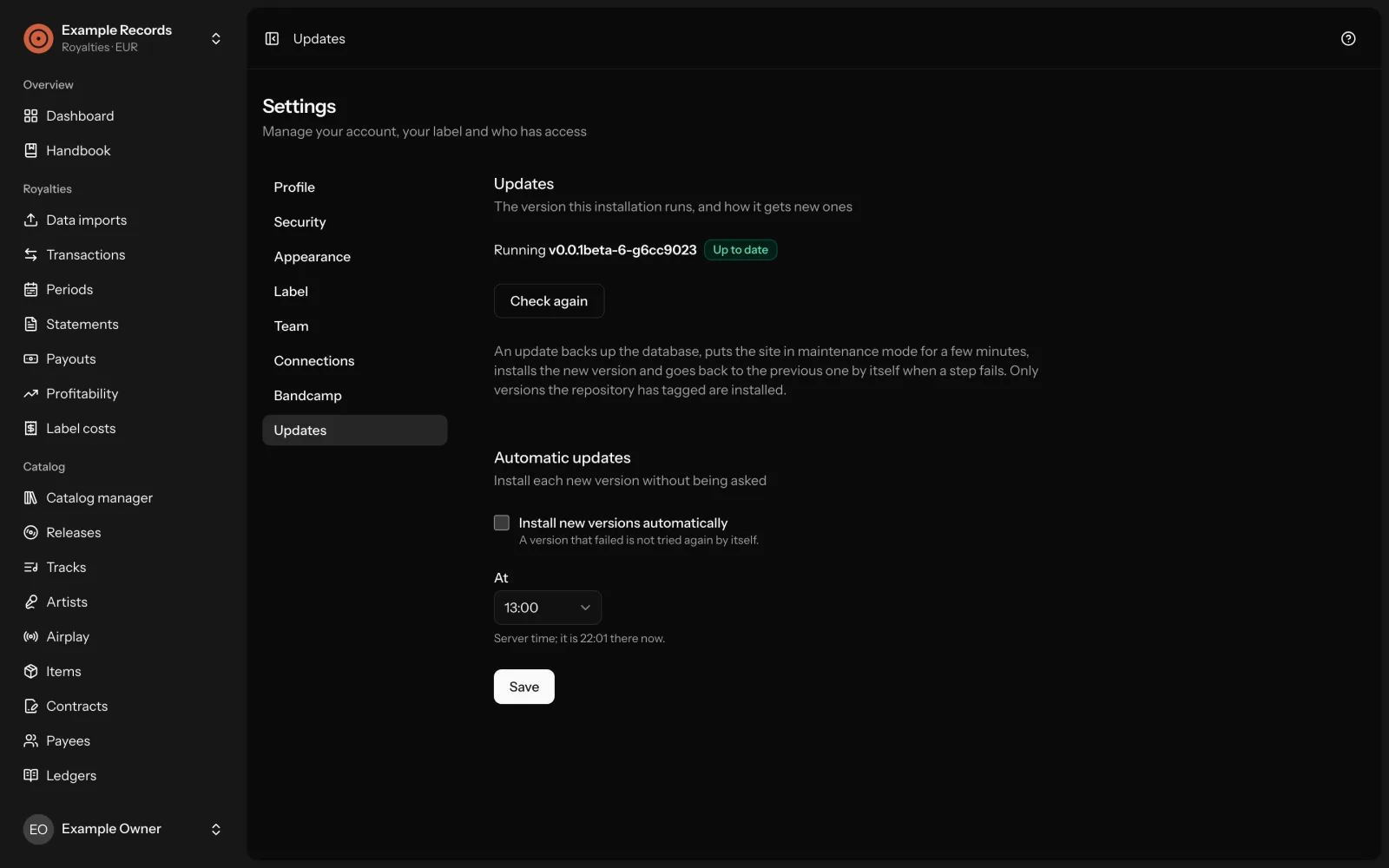
The application updates itself to each new tagged version, on demand under Settings → Updates or automatically. It backs up the database first and goes back to the previous version when a step fails.
The updater installs whatever the repository it was cloned from has tagged. Clone from a repository you trust.
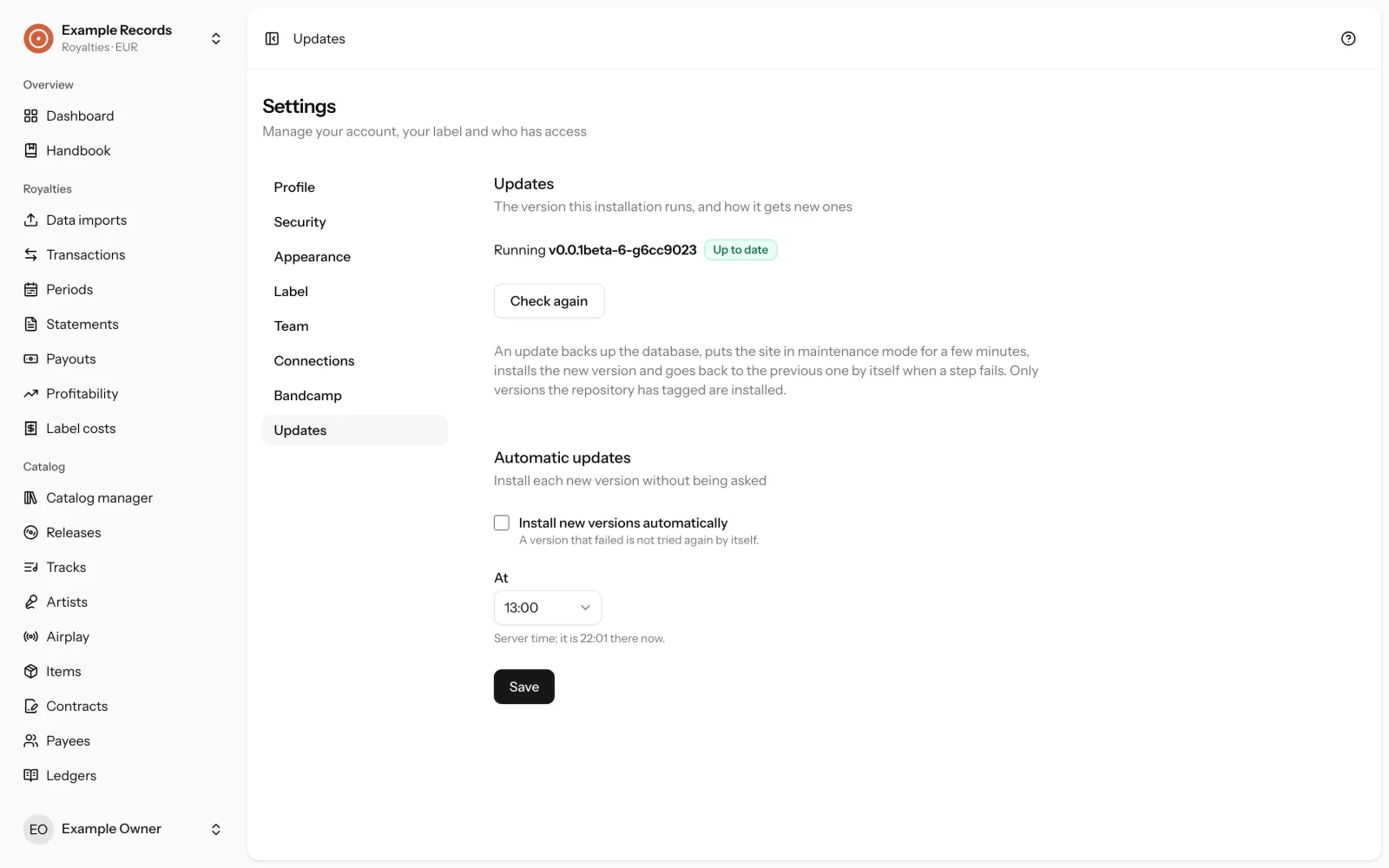
In the handbookUpdating
Then: a first session
Create your label, import a statement, add a payee and a contract, create a period. Nothing is final until you generate statements.
In the handbookIntroduction: a first sessionTroubleshooting