LO-002Features
What it does.
Label Office is royalty accounting and release management for independent record labels, seen from the label’s side: what came in, what each artist is owed, what the label keeps.
Royalty accounting and statements
Contracts say who gets which share. A contract holds percentage splits per payee. It can be set on a release, a track, an item or a single transaction, and the most specific one wins, so a remix can have its own deal.
- Separate ledgers, to recoup an advance on its own. A ledger below zero is unrecouped: it is not payable, it carries forward, and it is never set off against the payee’s other ledgers.
- Territory splits: a split can be limited to a named group of countries.
- Prorated contracts for compilations: the income of one product is divided between other contracts by weight.
- Expenses can be recouped from payees or borne by the label alone.
- Income, expenses and transfers (advances, paybacks) at full precision. Rounding happens only where a figure is shown.
Periods are checked before you settle. A period is a span of paid dates you account for, for example a quarter. Its page is a live calculation and lists what would earn nothing for payees until it is fixed: income not assigned to a release, releases without a contract, currencies without a conversion rate.
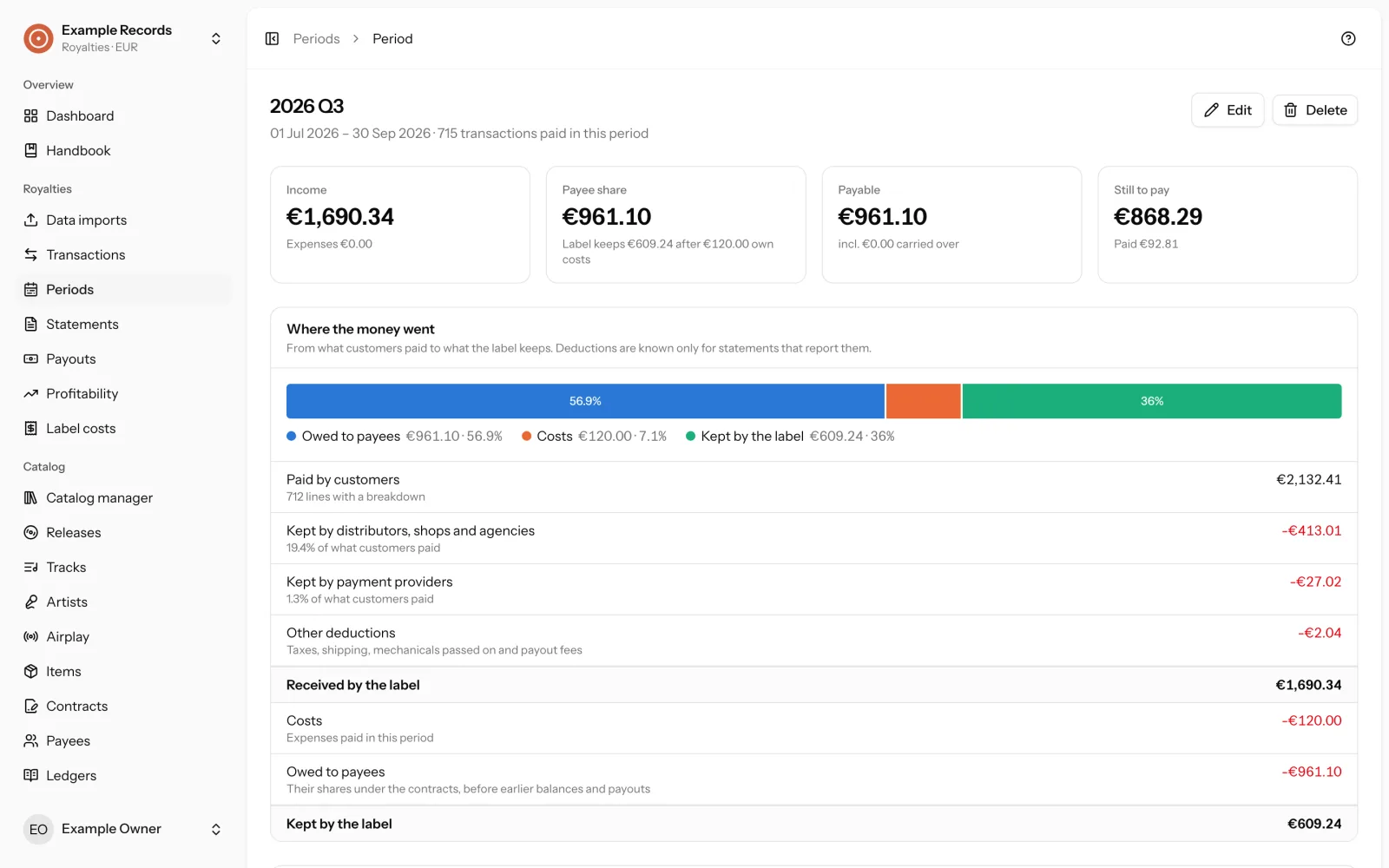
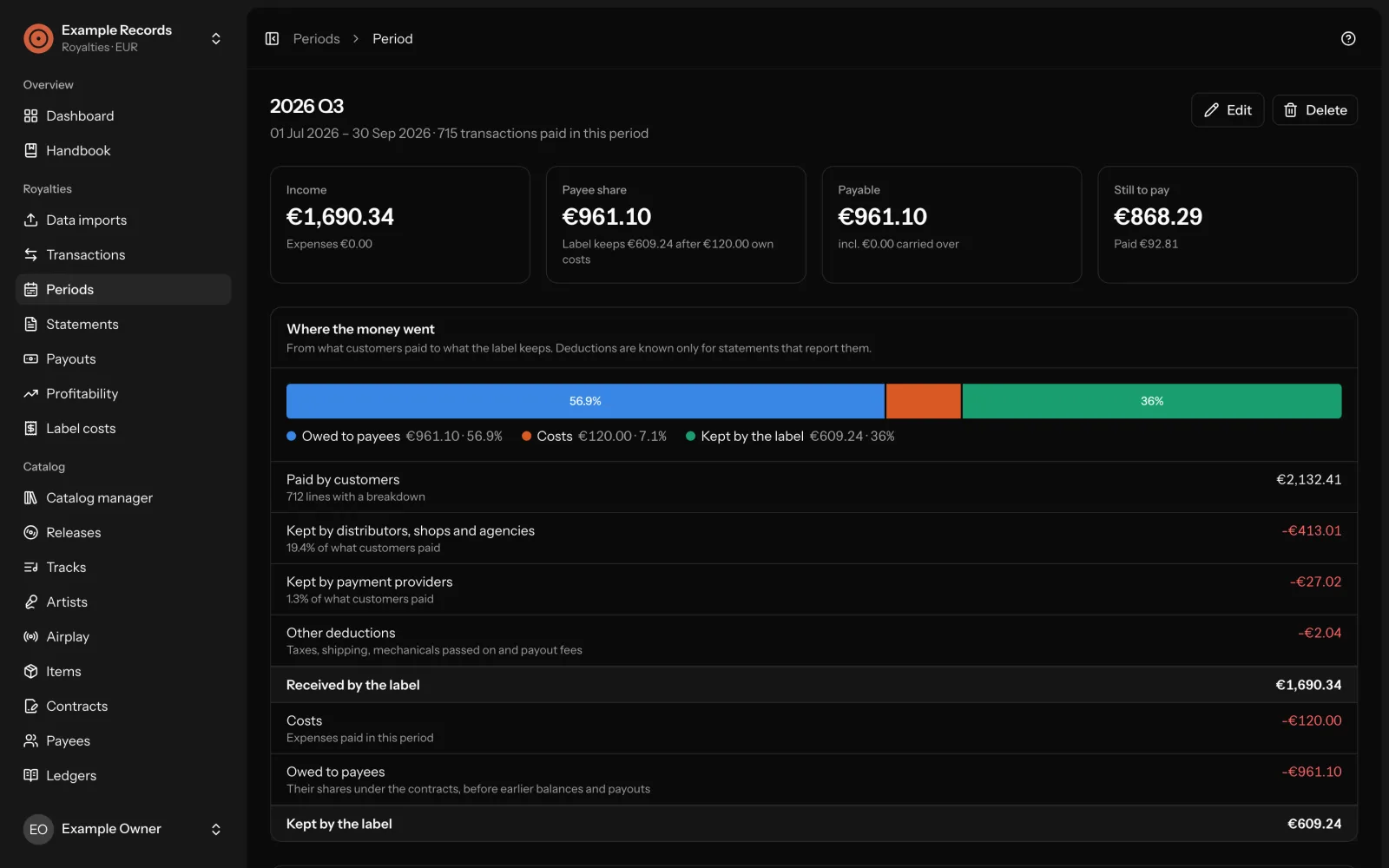
Statements are frozen. A statement is a copy of a payee’s figures for a period at the moment it was generated. Generating again makes a new revision instead of changing the old one. You publish a statement when it is right, and take it back if it is not.
Payouts cannot exceed what is payable. A payout is the record of a payment you have made; nothing is sent to a bank from here.
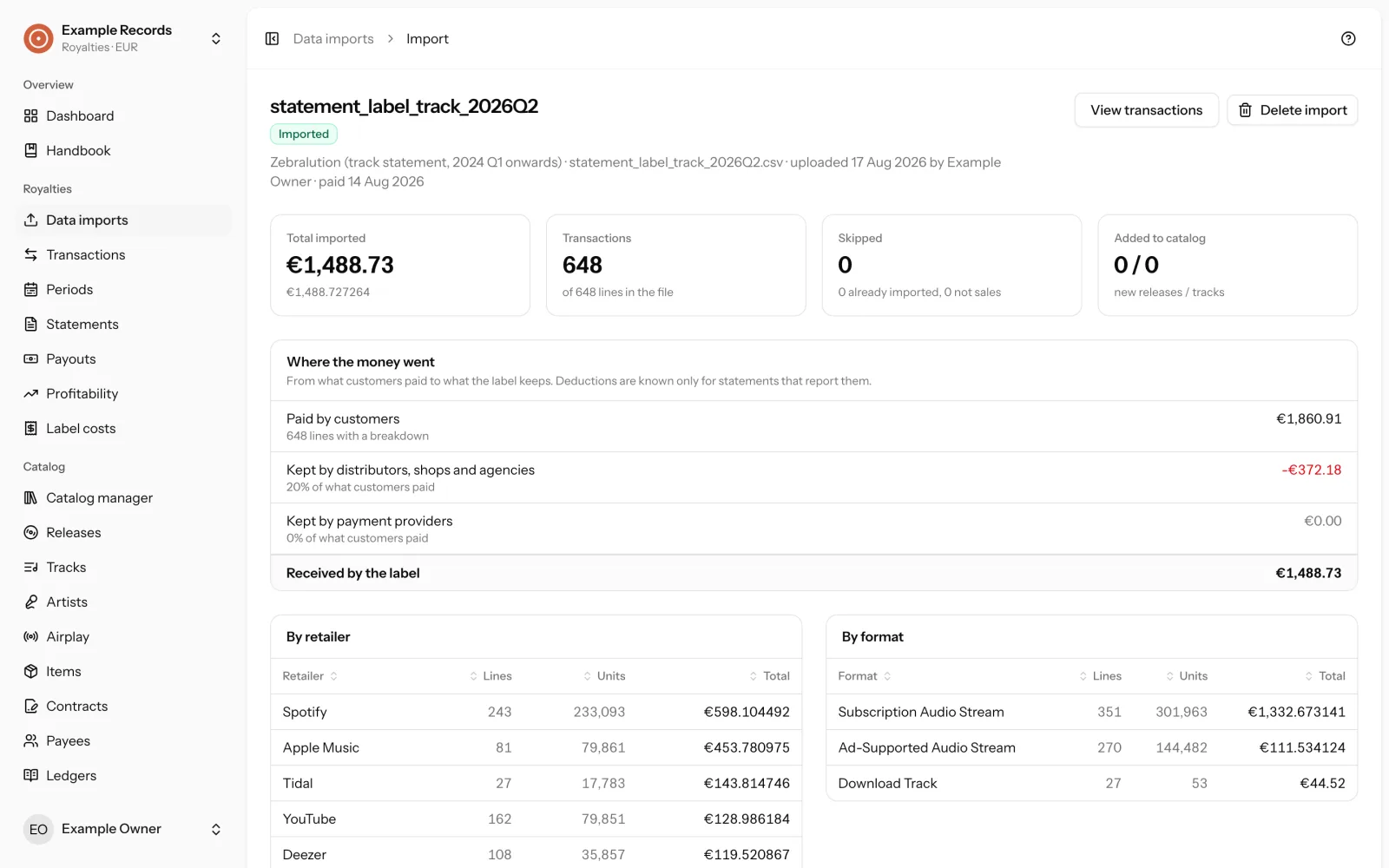
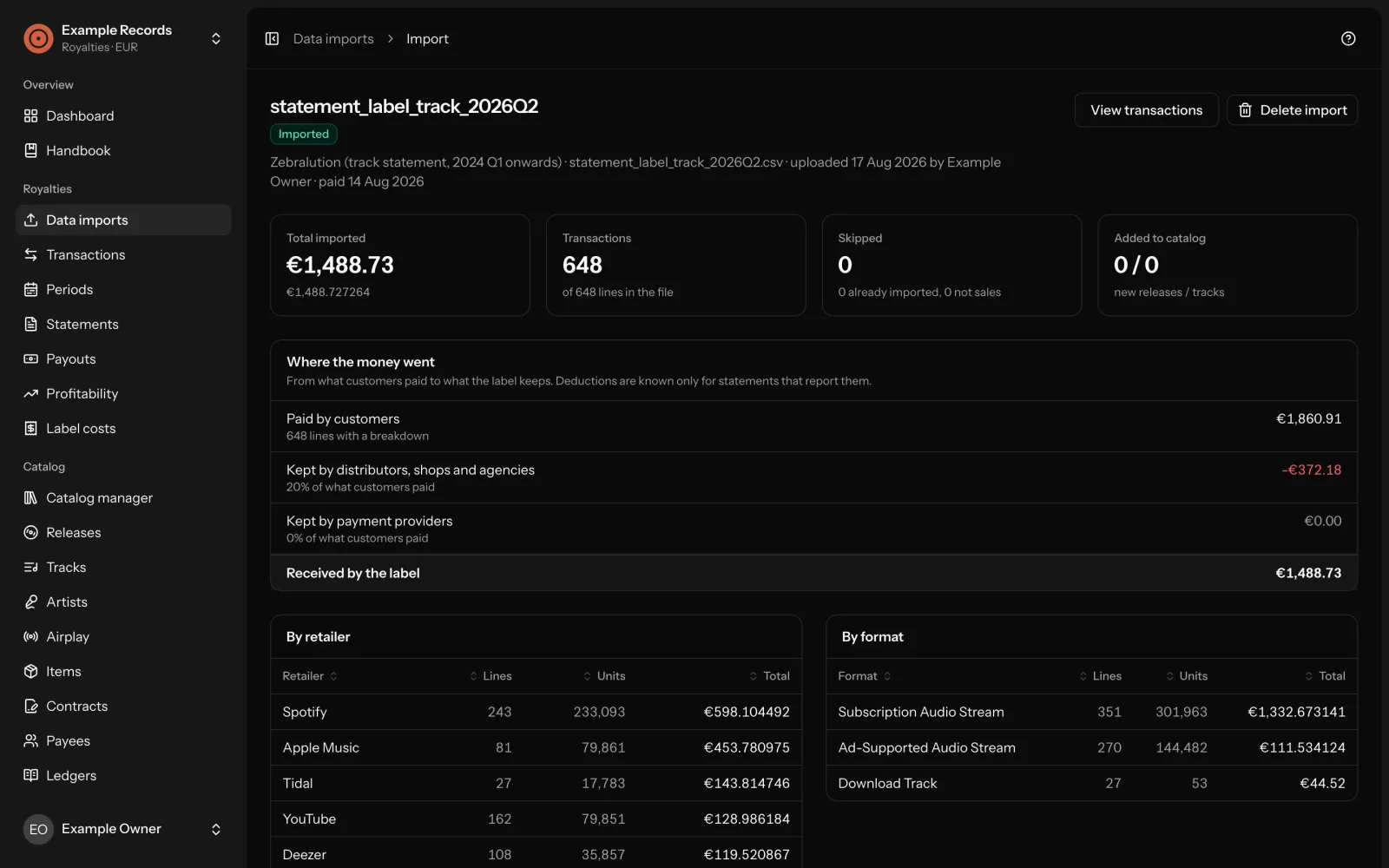
Where the money went. Where a statement file says so, the import page, every period and the dashboard show what customers paid, what distributors, shops and agencies kept, what payment providers kept, and what reached the label.
An example from the handbook: Example Release pays Example Artist 50% and Second Payee 10%. Example Artist received an advance of 1,000.
Example Release (EX001) · 2026 Q1
| Income | 2,000.00 |
|---|---|
| Masteringrecouped from payees | −400.00 |
| Net | 1,600.00 |
| Example Artist, 50% | 800.00 |
| Advance | −1,000.00 |
| Balance, Example Artistunrecouped, carries forward | −200.00 |
| Second Payee, 10%payable | 160.00 |
Optional tools for mechanicals, PPD and reserves can be switched on per label. They are run by hand and create ordinary transactions that you can inspect and undo.
In the handbookContracts, payees and ledgersTransactionsPeriods, statements and payoutsMechanicals, PPD and reserves
The payee portal
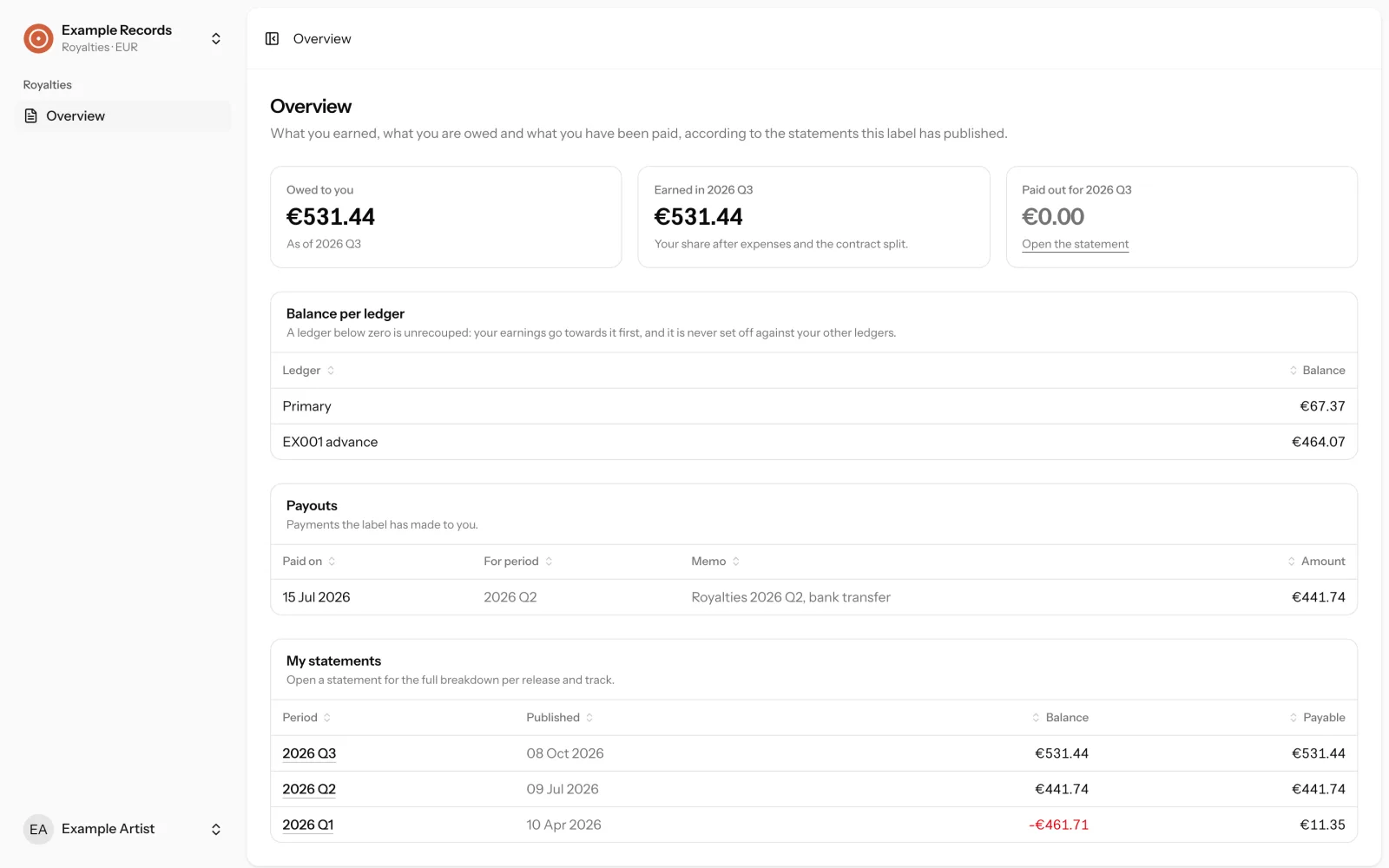
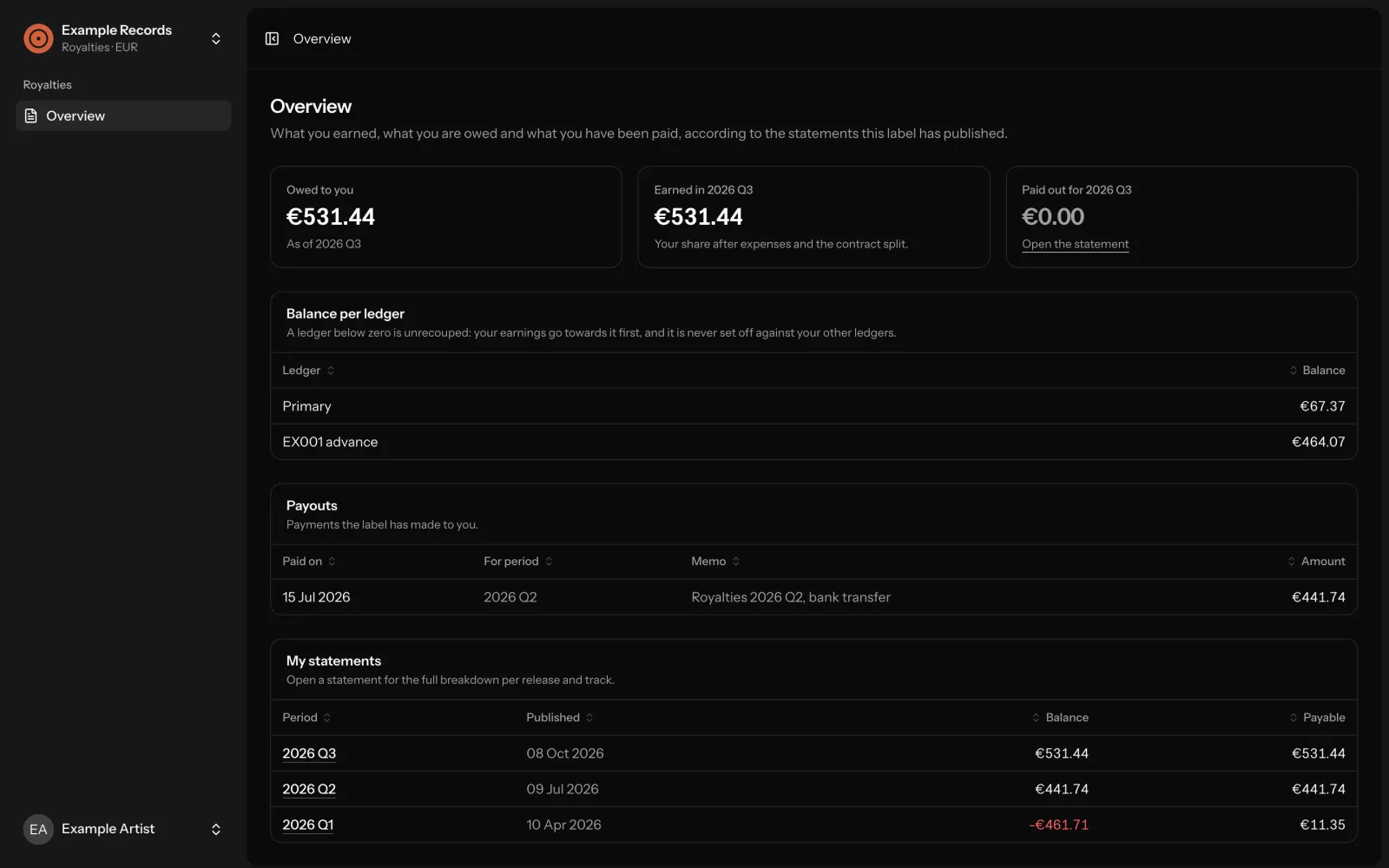
Your artists read their own statements. A payee who signs in sees one page. Everything on it comes from statements the label has published. Live figures, drafts and archived revisions never reach the portal.
- What is owed to them, what they earned in the period, what was paid out.
- The balance of each of their ledgers, with unrecouped ones marked.
- Every payout the label recorded for them.
- Each statement with its full breakdown, and as a CSV download.
No passwords to hand out. Payees sign in with a one-time code sent by email. Nobody can register on their own: you invite a person and link them to a payee. Several people, such as an artist and their manager, can see the same payee’s statements.
Good to know: publishing a statement sends no email. Tell your payees yourself.
In the handbookTeam, roles and sign-in
Releases, files and audio
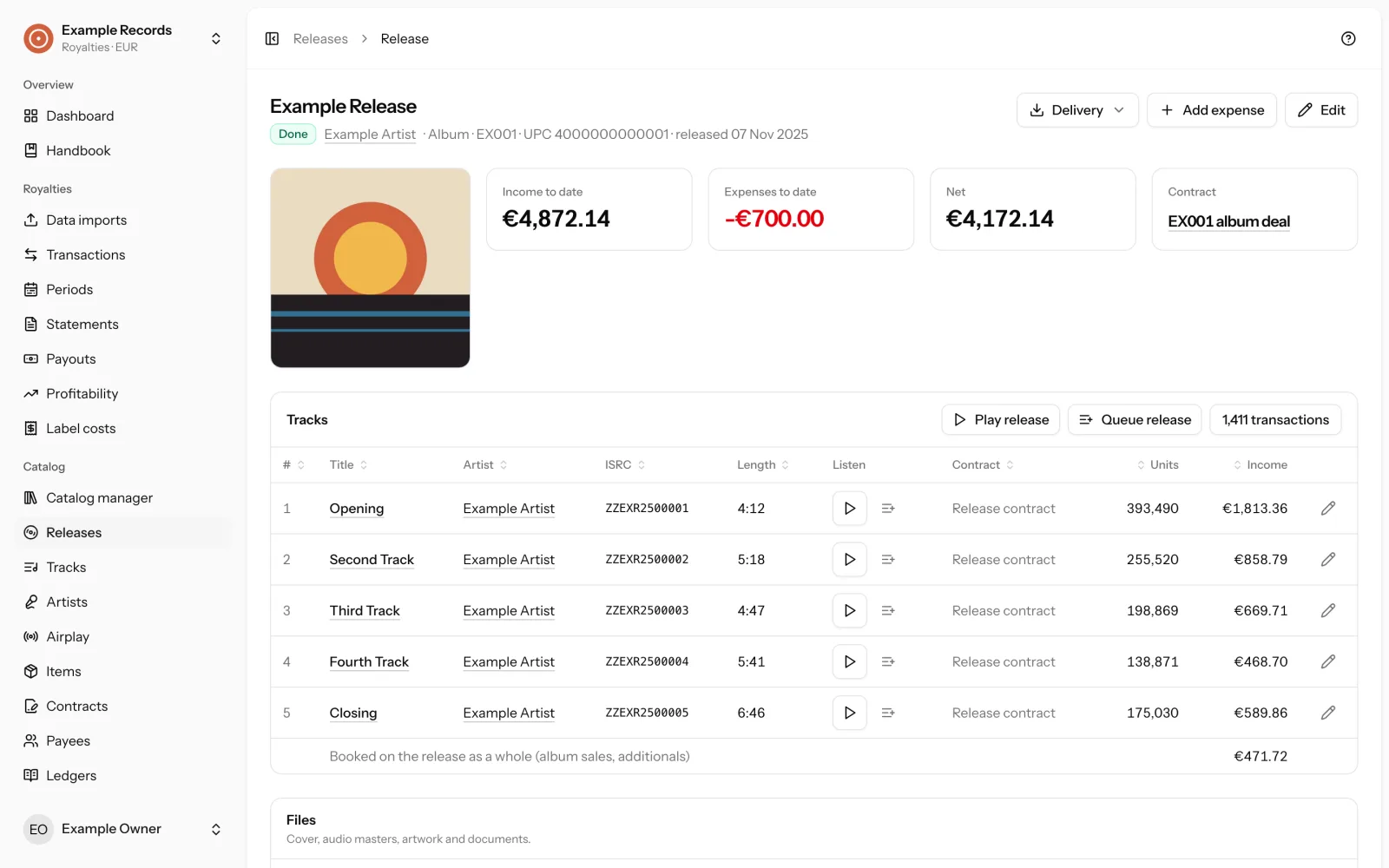
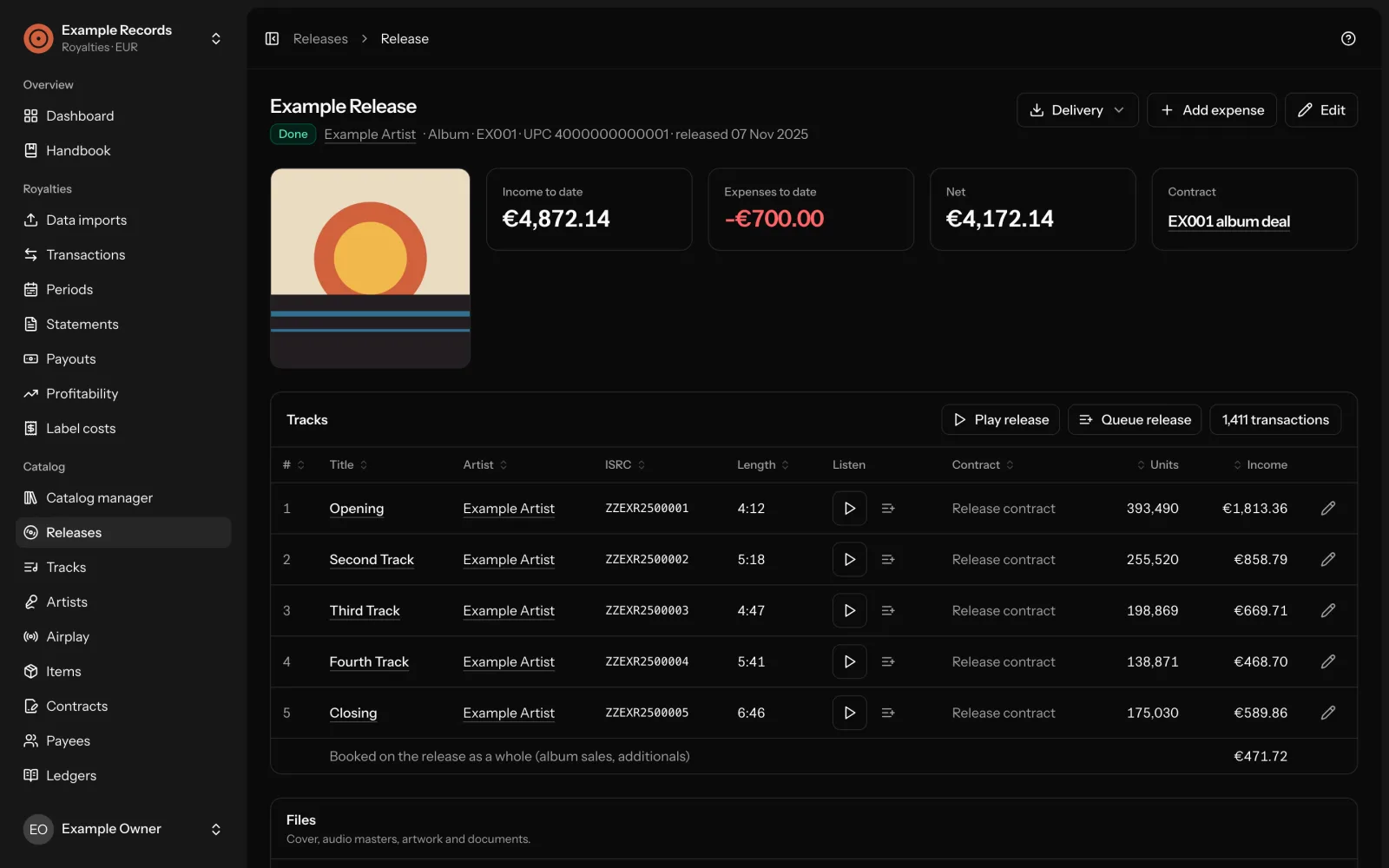
The whole release in one place. Full release and track metadata: versions, credits, ISRC/ISWC, UPC, genre, language, ℗/© lines, pre-order and original release dates, blocked services and territories, press release, key facts and to-dos.
Files stay with the release. Cover, audio masters, artwork and documents, on the server or in an S3-compatible bucket, served only to signed-in admins of the label. There are no public links.
A player that keeps playing while you work. Play a track, a whole release, or build a queue. Masters are kept exactly as uploaded; an MP3 copy is made for listening.
Where to find it. The pages of every release and track on streaming services, shops and platforms, found by UPC, ISRC, Bandcamp sales and web search, or added by hand.
In the handbookReleasesTracks, artists and itemsFiles, audio and delivery
Delivery packages
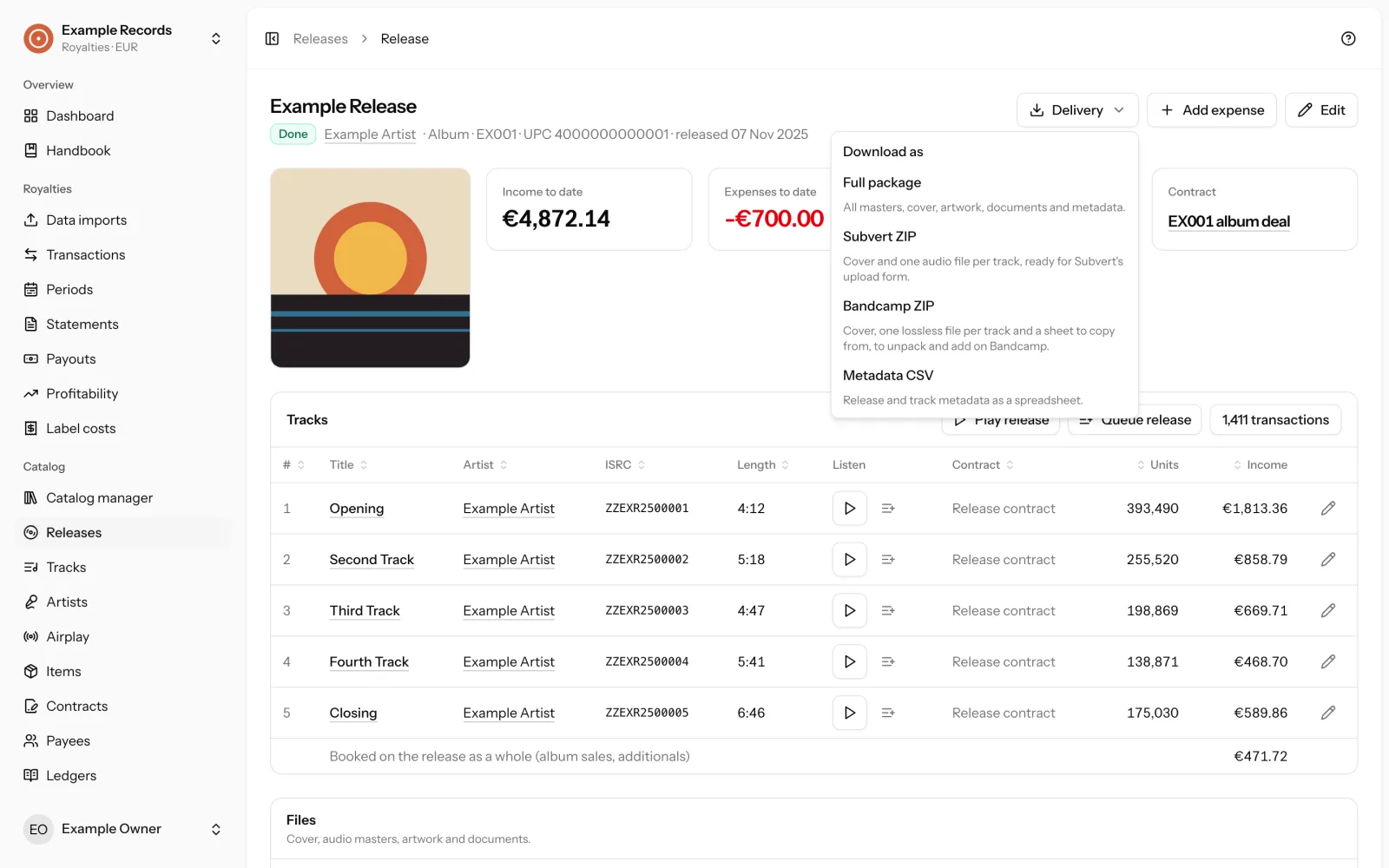
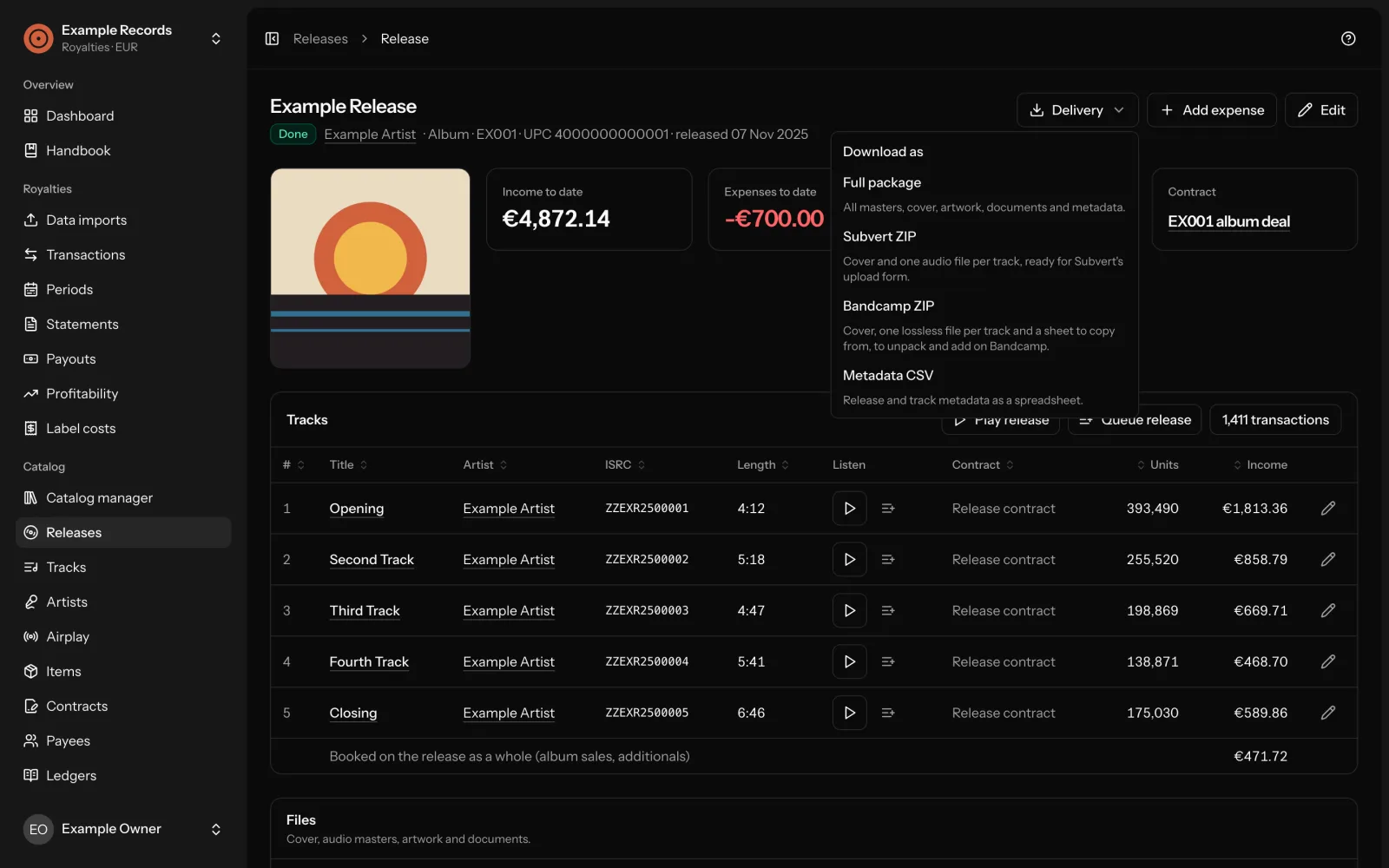
Four downloads for delivering a release. Packages always contain the original files, never playback copies or thumbnails.
| Download | What it is |
|---|---|
| Metadata CSV | A spreadsheet with one line per track, for one release or the whole catalog. |
| Full package | A ZIP with the cover, every master renamed to track number, artist and title, artwork, documents, the metadata CSV and a plain text sheet to copy from when a store only offers a web form. |
| Subvert ZIP | The cover and one audio file per track, in the form the upload form of Subvert accepts. If the release is not ready, a dialog lists every reason. |
| Bandcamp ZIP | Bandcamp has no upload for a whole release. This ZIP holds the cover, one lossless audio file per track and the text sheet to copy from. |
In the handbookFiles, audio and delivery
Imports
Upload the statement you were sent. Every line becomes a transaction. Releases, tracks and artists are created from the file; lines imported before are skipped. Files can be CSV or Excel.
| Source | File |
|---|---|
| Zebralution | The quarterly track statement, in the current layout and the one before 2024. |
| Bandcamp | The raw sales report, or fetched automatically through the Bandcamp API. |
| Rightz Audio | The neighbouring rights statement as downloaded. |
| Other neighbouring rights income | In the template layout. |
| Spreadsheet template | Your own CSV or Excel file. |
- The source and layout of a file are detected from its columns.
- Every import is compared with what is booked already. Possible duplicates are shown with a proposal to merge before anything is counted.
- Buyer names, emails and addresses in Bandcamp reports are never stored.
- An import can be undone: deleting it removes exactly the transactions it created.
Bandcamp, every Monday. With access to Bandcamp’s Sales Report API, new sales are fetched every week. Bandcamp gives that access to labels and artists on request.
More on request. If you need an importer for another distributor or collecting society, send a sample statement by email.
Moving from Infinite Catalog. An importer for an Infinite Catalog account export is included: catalog, contracts, periods, payouts and transactions. Who is this for says when that matters.
In the handbookImporting statementsBandcampExtending
Airplay
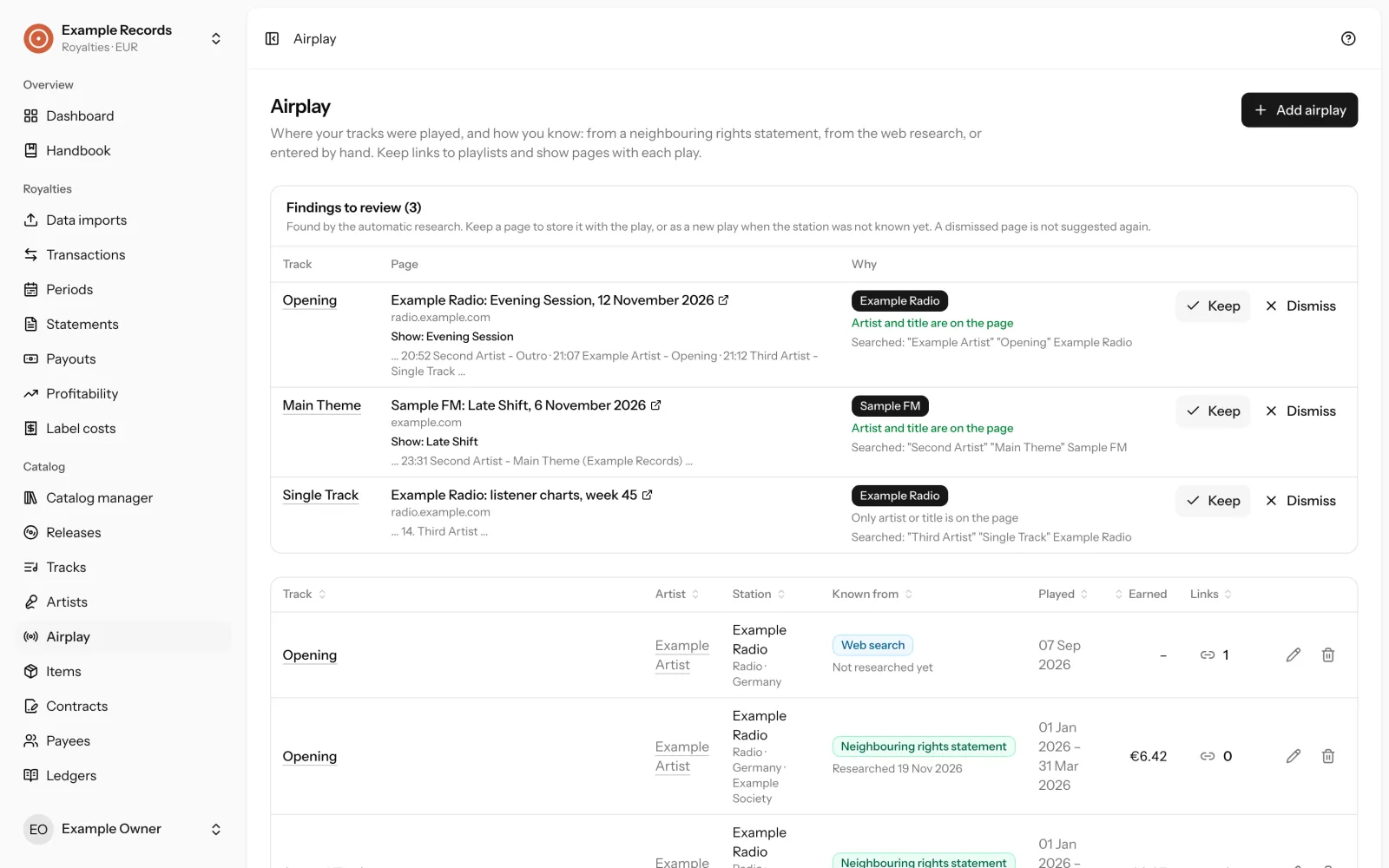
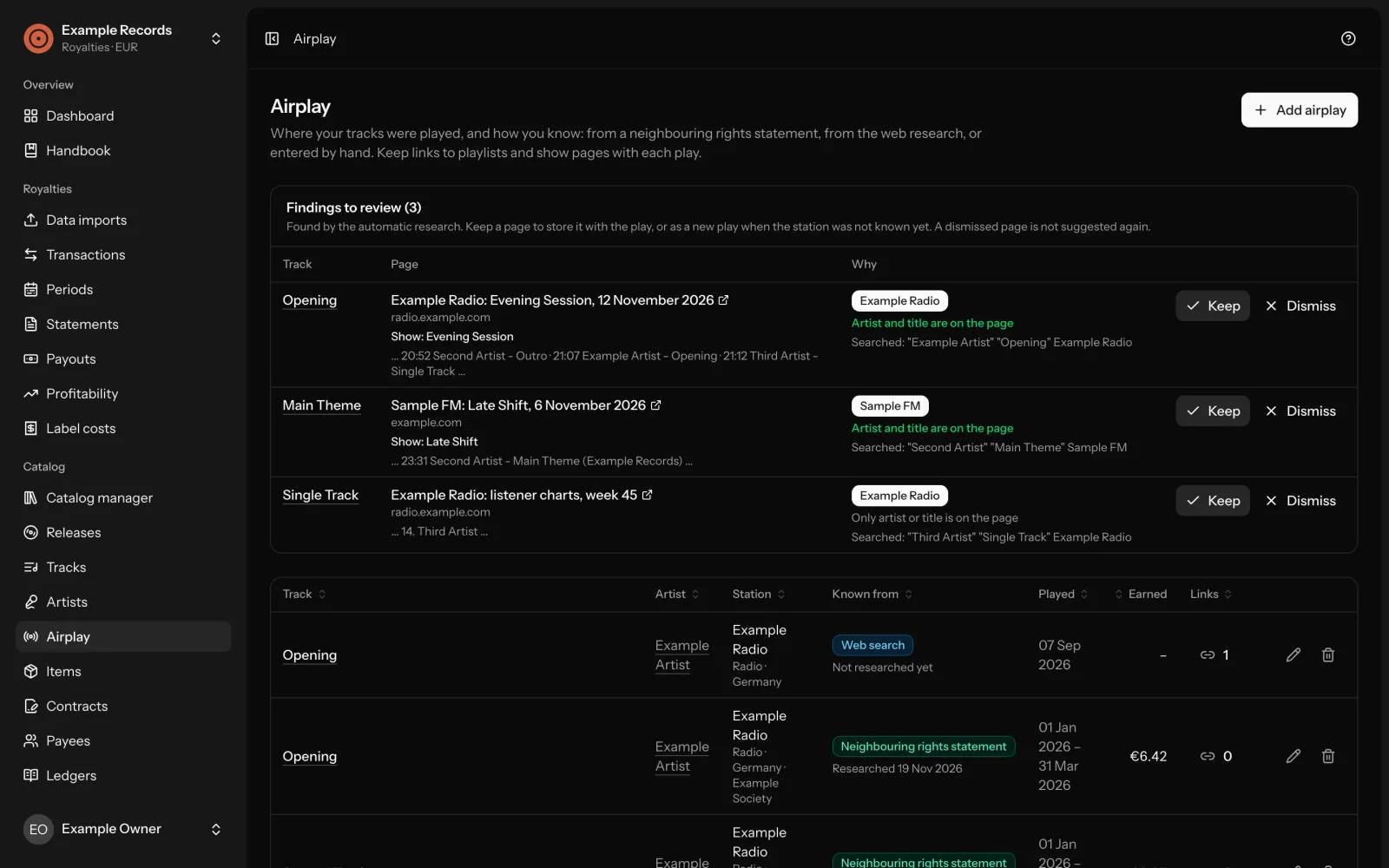
Where your tracks were played on the radio. Plays from neighbouring rights statements are listed per track, with the station when the collecting society names it. Plays can also be entered by hand, and each one can collect links to playlists and articles.
A research you review. A web research looks for playlists and show pages, reads the pages it finds and proposes them for review. You keep a finding or dismiss it. Every search is logged, so you can see what was already tried.
The research runs through DataForSEO with the label’s own login, and DataForSEO bills every search to that account. Without a login no research starts.
Good to know: station websites rarely keep playlists for long. For an old play the statement is often the only record.
In the handbookAirplay
Label costs and profitability
What the label keeps. The profitability report shows, per release, what the label is left with after payee shares and its own costs.
Costs that belong to no release. Subscriptions, hosting, accounting, fees: entered once or as recurring costs, monthly, quarterly or yearly. They never reduce what payees earn.
Receipts with their costs. Receipts are uploaded and matched to costs. With an AI service of your choice (Infomaniak, OpenAI, Anthropic, Mistral, Gemini or any OpenAI-compatible one) they are read automatically: vendor, date, total, currency and a category, as a proposal to check before you book. Only the receipt is sent to the service, and it is optional: without one, receipts are stored and booked by hand.
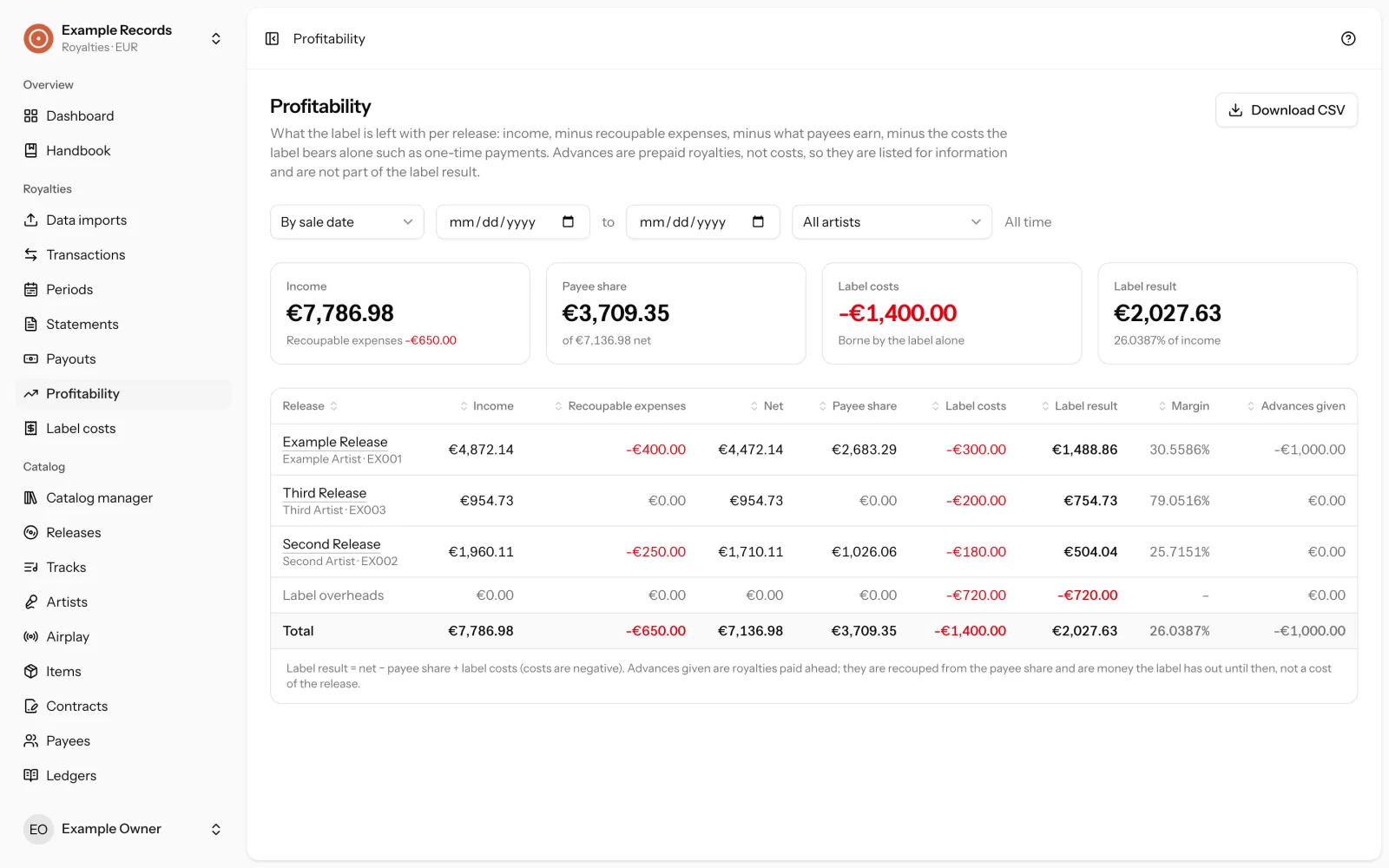
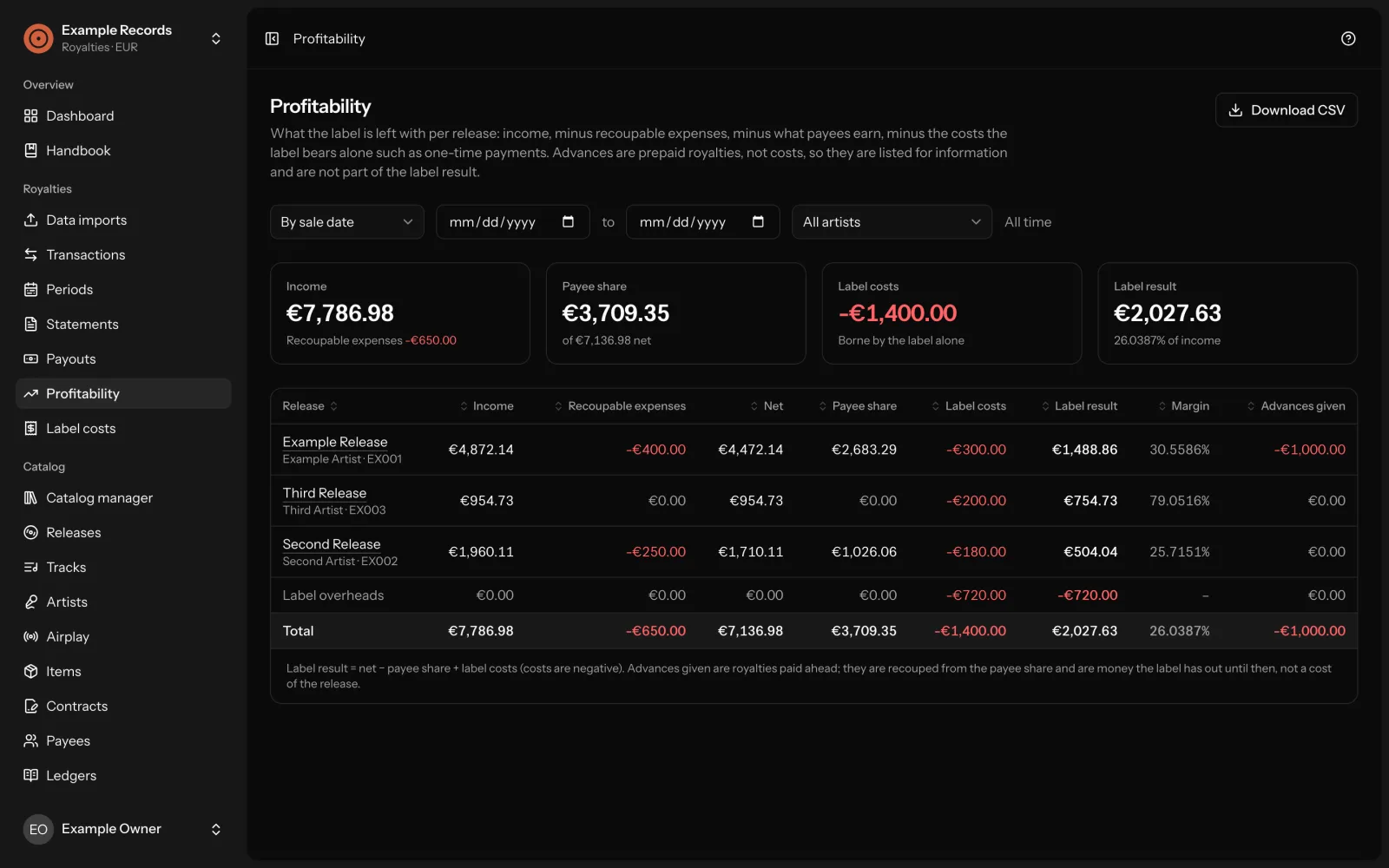
A handbook inside the application. The ? button opens the documentation for the screen you are on, in a panel beside your work. It is the same text as the handbook in the repository.
In the handbookProfitability and label costsConnections
Not included
What Label Office does not do, so you know before you install it.
- Mechanicals: no Harry Fox Agency file is produced, and the statutory rates are the US ones only.
- Mechanicals, PPD and reserves are never calculated on their own or as part of a period. Reserves are not liquidated automatically.
- Statements are downloaded as CSV, not Excel or PDF.
- Imports and delivery packages are built while you wait, not in the background.
- Uploads are sent in one request per file; there is no resumable upload.
- The interface is in English only.